
When reviewing busbar batch changeovers, ask the supplier to return to an earlier job after making a different part. This reveals what the team must restore: the correct drawing, any saved settings, the physical tools and the workpiece references. A familiar job name on a screen is only one part of that review.
A simple demonstration can follow job A, job B, then job A again. The purpose is to check whether the earlier setup can be reconstructed from the information that will accompany the machine. For timing boundaries and complete-batch measurement, use the busbar production-trial guide; this article focuses on the handover between jobs.
Choose a change that alters the setup
Select two representative drawings that the proposed machine and tools have already been reviewed against. Job B should change something relevant to your workshop, such as the hole pattern, selected punch, cut-length reference or bending tool. If only the job label changes while everything else stays in place, the demonstration answers a much narrower question.
Agree on what will change and what will remain the same. Keeping the material and tooling unchanged may be useful when isolating a positioning question. Including a tool change may be more useful when the workshop frequently switches between different forms. State that choice before the demonstration so the result has a clear scope.
Separate recalled information from physical setup
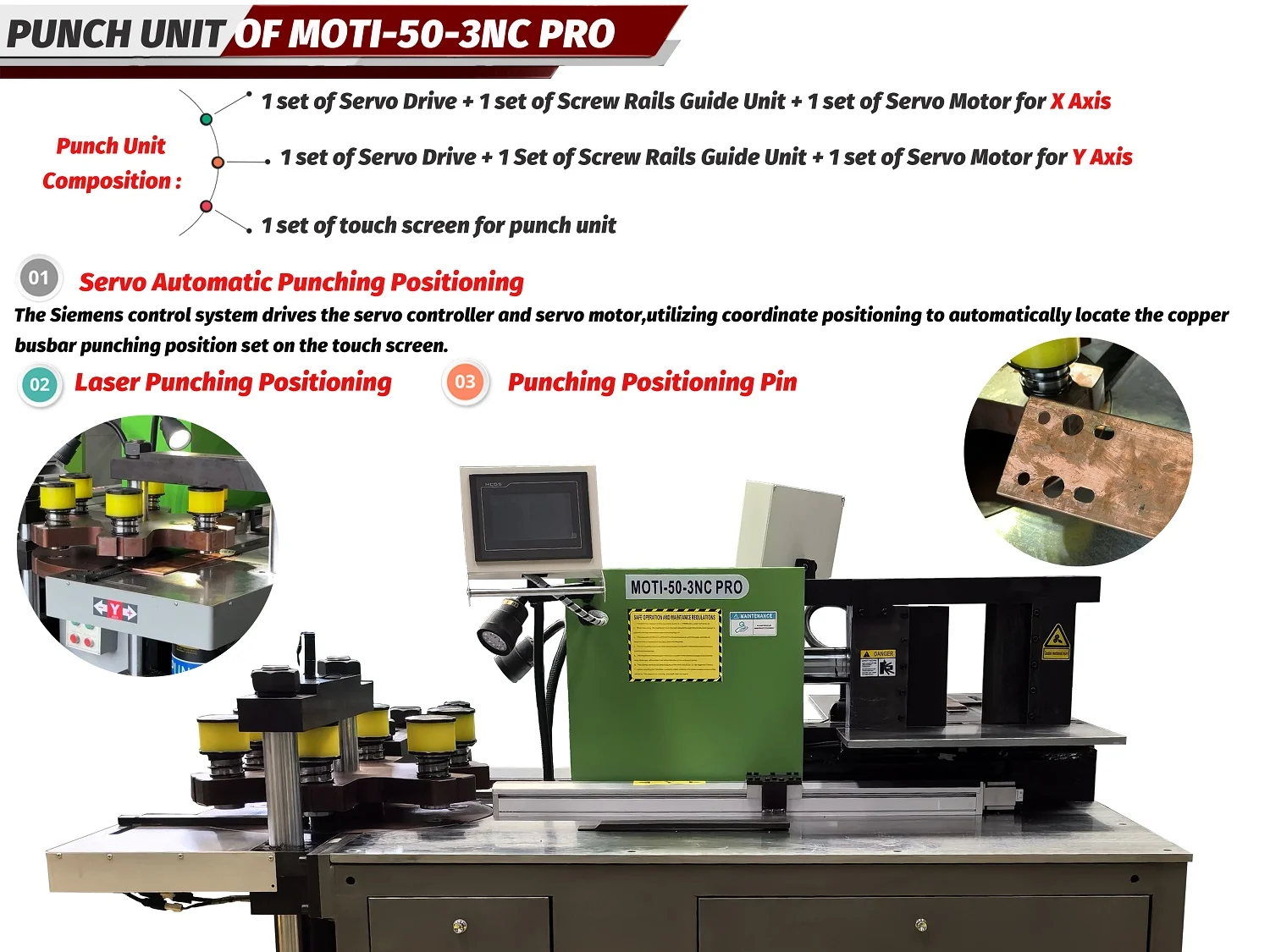
If the supplier demonstrates a saved-job function, ask what it actually restores on the supplied controller and software version. It might restore certain set values while other tasks remain with the operator. Have the demonstrator identify that boundary rather than assuming that “recall” means the entire workstation is ready.
Use a short handover record to distinguish the information that can be retrieved from the conditions that must be checked at the machine.
| Part of the setup | Question to demonstrate | Evidence to retain |
|---|---|---|
| Job identity | How is the correct part and drawing revision distinguished from similar jobs? | The identifier used to connect the drawing and setup record |
| Control settings | Which values are retrieved, and which must be entered or confirmed separately? | The demonstrated function and any remaining operator entries |
| Tool selection | How does the operator identify the required punch, matching die and bending tool? | Tool identifiers and the location information needed for this configuration |
| Workpiece reference | What establishes the reference end, face or locating position when the job returns? | The reference description used in the setup and inspection instructions |
| Release to production | What must be checked before the returned job can continue? | The agreed check and who records the result |
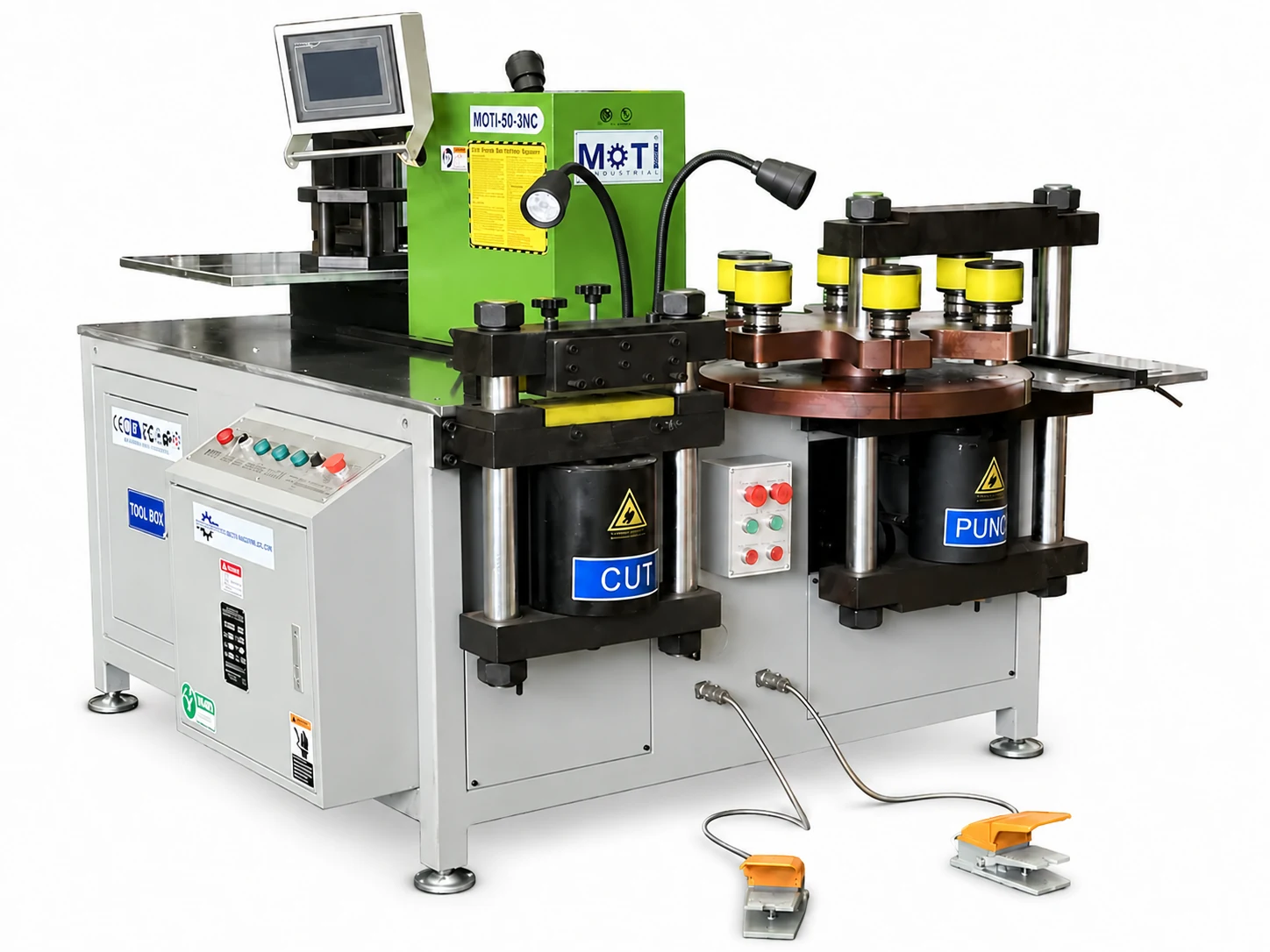
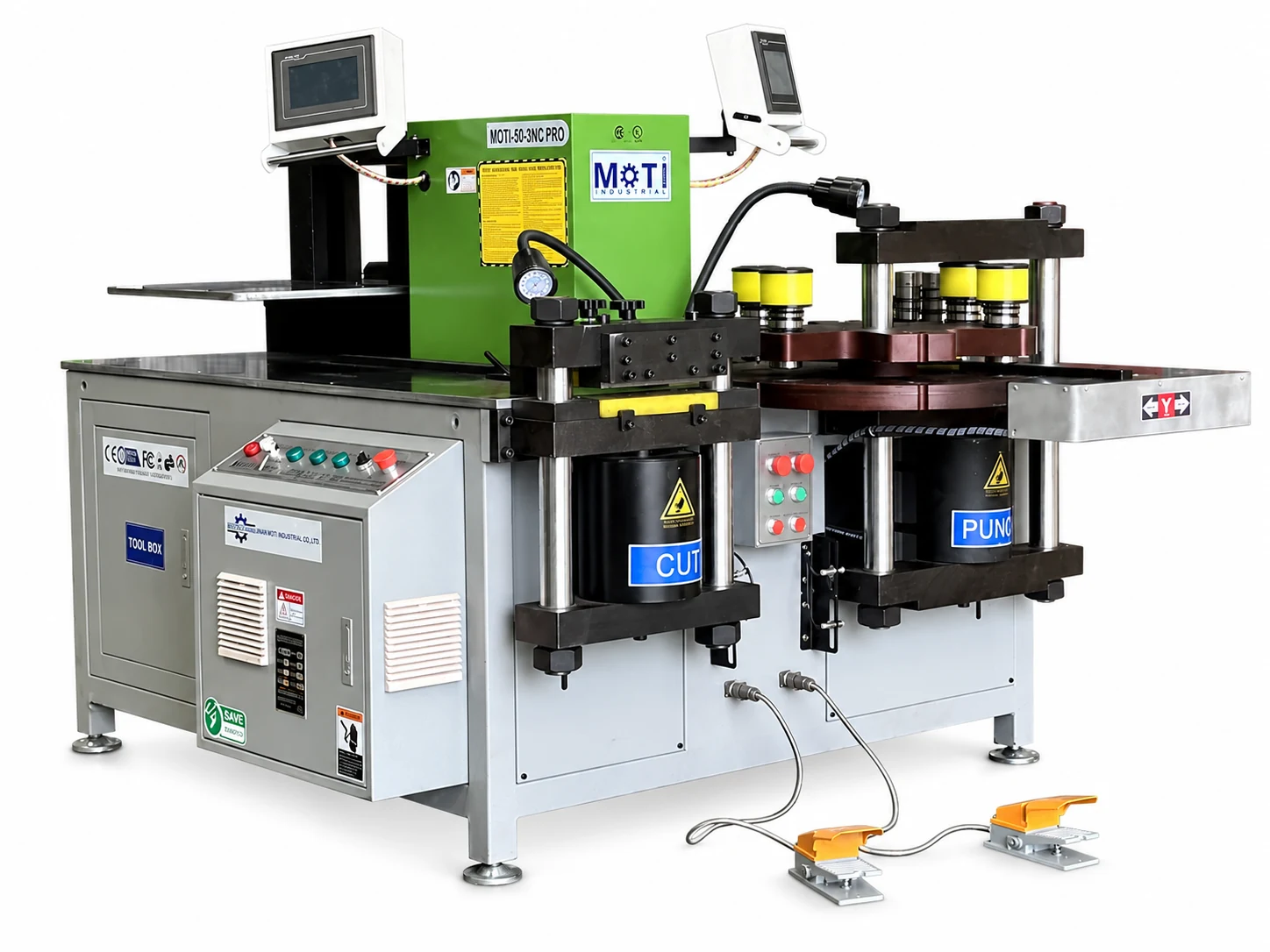
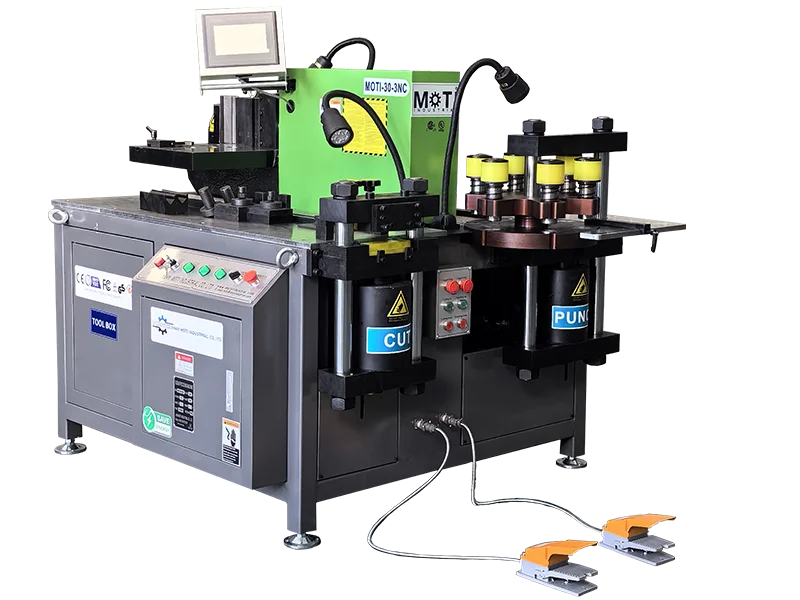
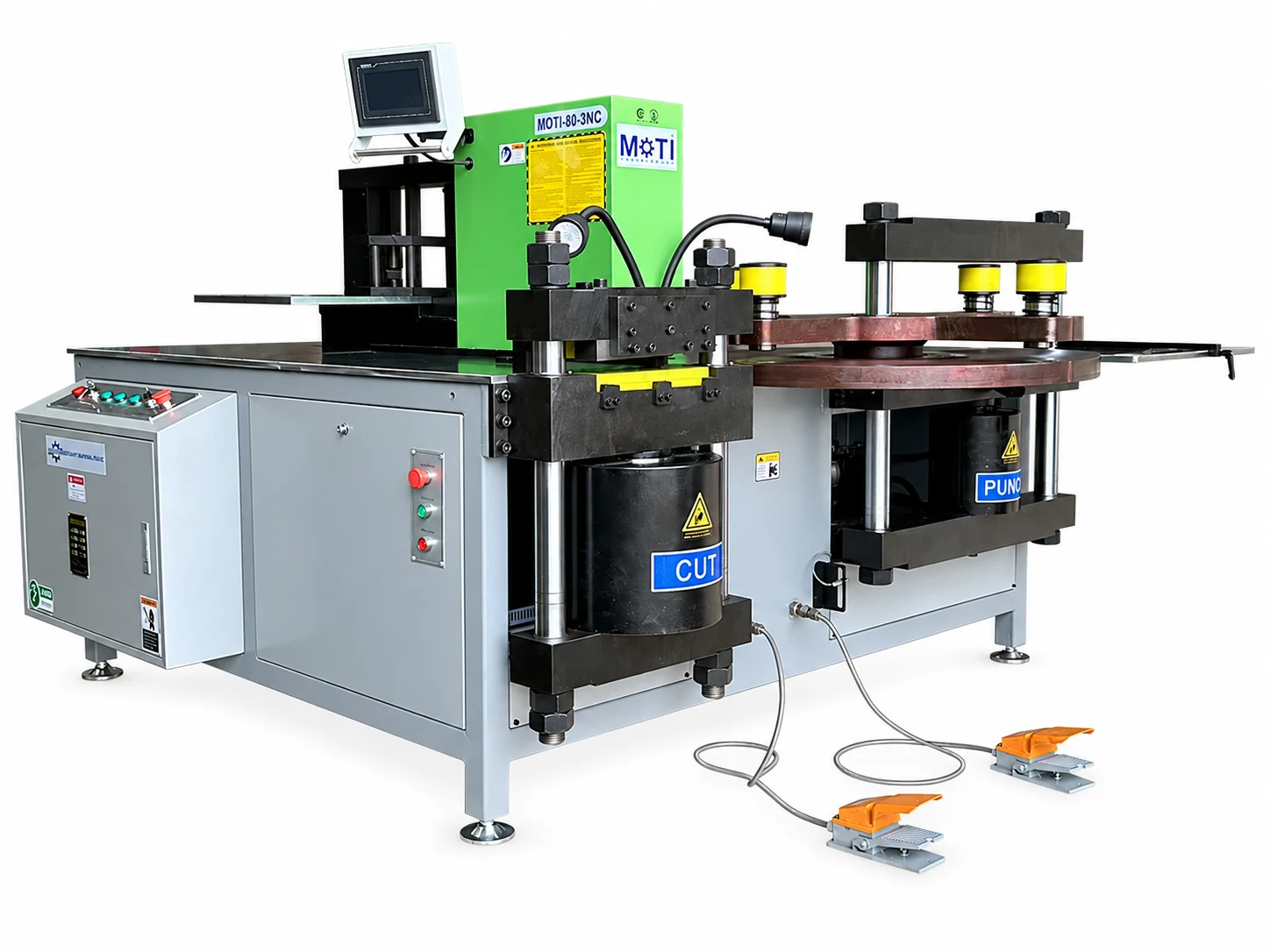
The MOTI-50-3NC PRO provides a useful equipment example: its published specification identifies four servo positioning axes across cutting, punching and bending. Those axes do not establish how every job setting is stored or restored. Ask for those functions to be demonstrated on the exact configuration being quoted.
Make the tool reference usable by another operator
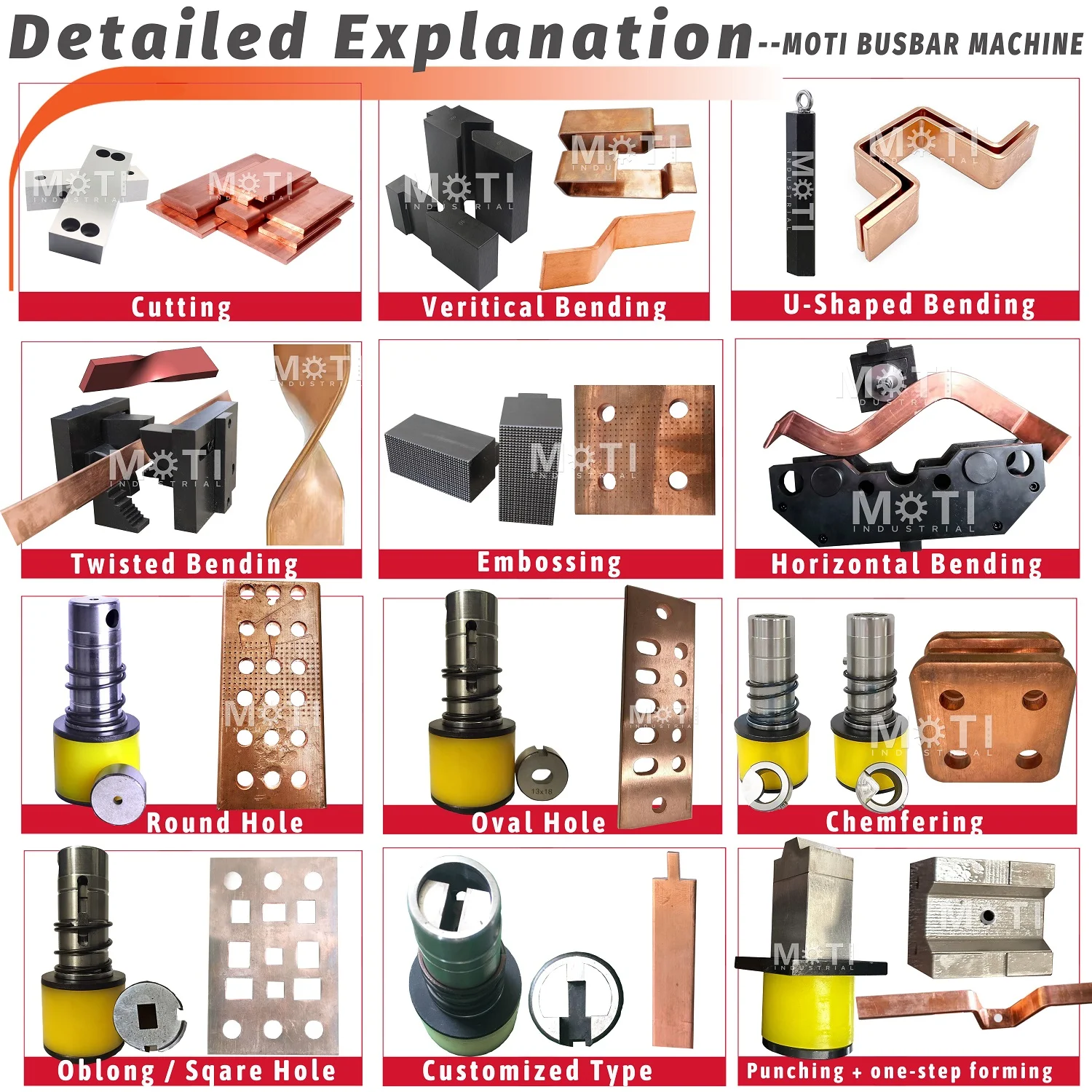
“Use the same punch as last time” relies on memory. A useful handover identifies the required tool so it can be matched to the physical item. If job B changes the tooling arrangement, ask how the operator finds and verifies the tools needed to return to A.
Separate selecting an already installed tool from changing the installed tool set. These are different changeovers. Where tool location matters, record the arrangement that the demonstrated job uses; do not assume that a saved job checks which physical tool has been fitted.
The tooling and sample preparation guide covers the part geometry and tool information needed for selection. Here, the question is whether the selected tools can be identified again after another job has used the workstation.
Follow the return to A without filling gaps from memory
After the demonstrator completes the agreed job B, ask them to explain the return to A using the setup information intended for your team. Note every extra instruction that is needed but is absent from the record. A missing reference description or tool identifier is a specific handover issue that can be corrected.
If another trained operator will regularly take over in your workshop, discuss a supervised handover as part of the demonstration. Keep the required training and operating procedures in place. The purpose is to see whether the records support that handover, not to test an untrained person on unfamiliar equipment.
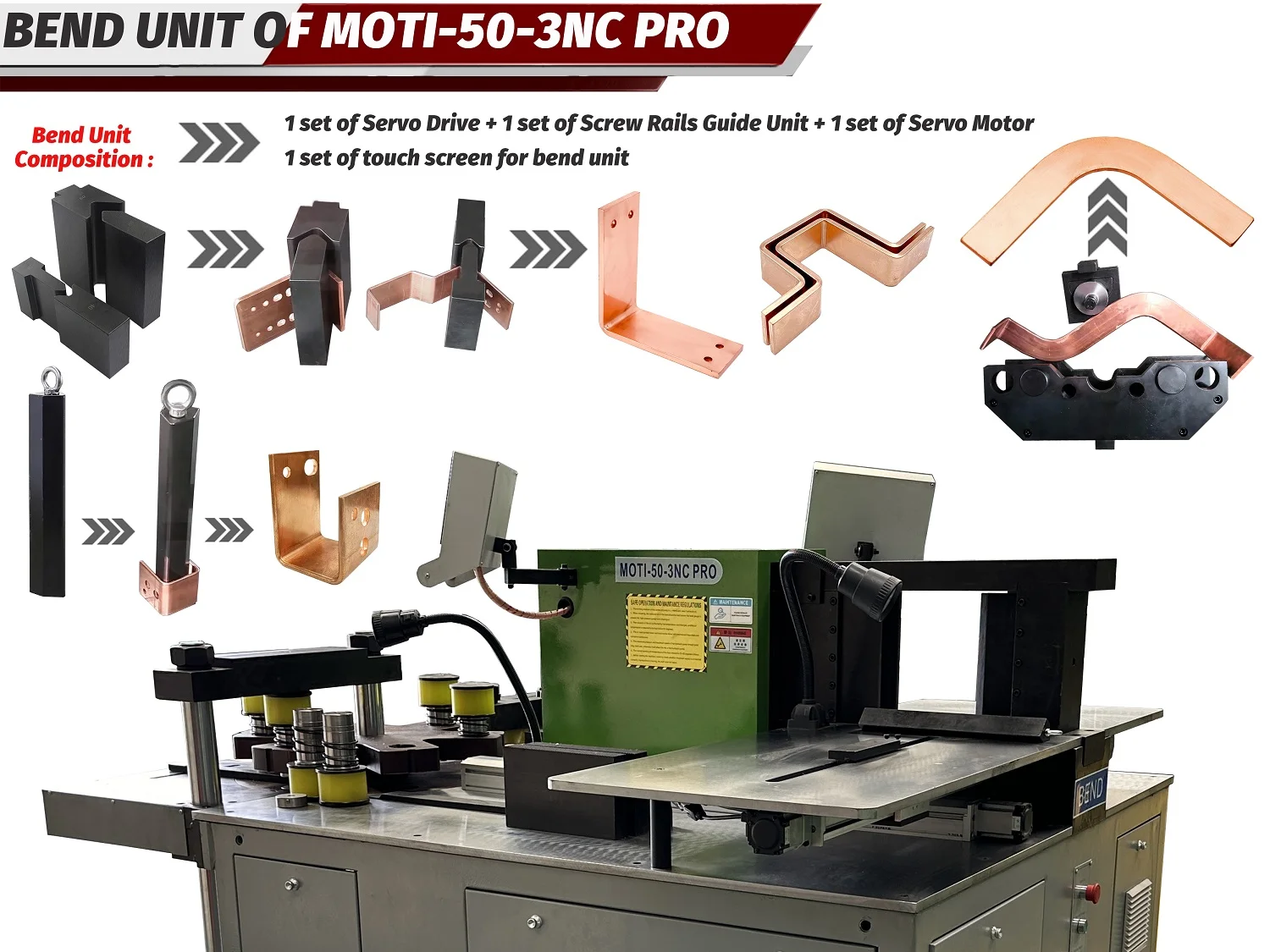
For bending, ask how the restored tool and positioning arrangement relate to the finished-part reference. The standard and servo machine comparison distinguishes positioning assistance from the handling and checking that remain part of the operator’s work.
Turn the demonstration into a specific delivery requirement
Check the returned A part against its agreed drawing requirements. If a correction is needed, retain the original observation, the change made and the subsequent result. A corrected part can show that the issue was resolved; it does not erase the missing instruction or setup step that the demonstration exposed.
Use the findings to define what the supplier should provide: the demonstrated controller functions, a clear way to identify jobs and tools, the applicable setup instructions and the training scope. If a desired recall function was not demonstrated, keep it as an open item in the quotation review.
One A–B–A sequence supports a conclusion about those jobs and that configuration. It does not establish a universal changeover time or prove that every other drawing can be restored without adjustment. Send MOTI two representative jobs and the setup changes between them to discuss a focused demonstration.
Sources: MOTI-50-3NC PRO manufacturer information and MOTI tooling illustrations, checked 11 September 2026. The A–B–A handover review is practical purchasing guidance, not a published machine performance result or a guarantee of controller memory functions.