Define the supplied configuration
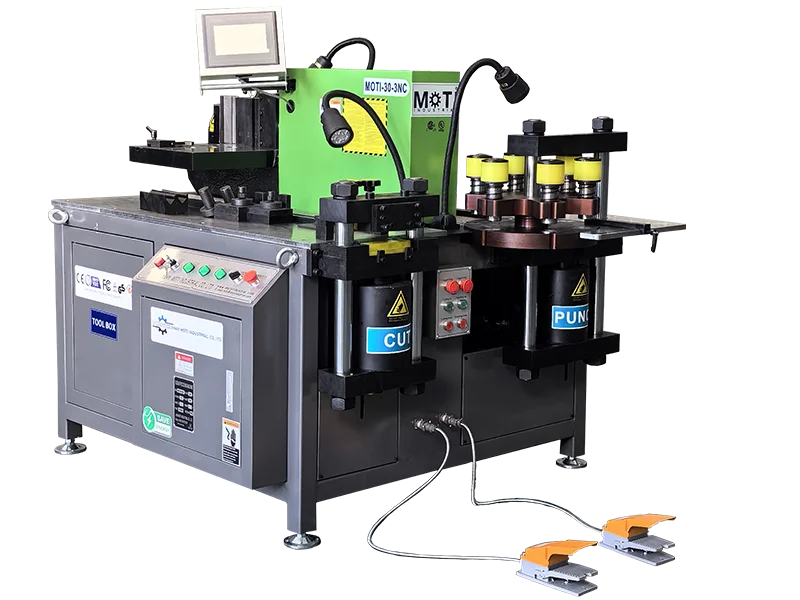
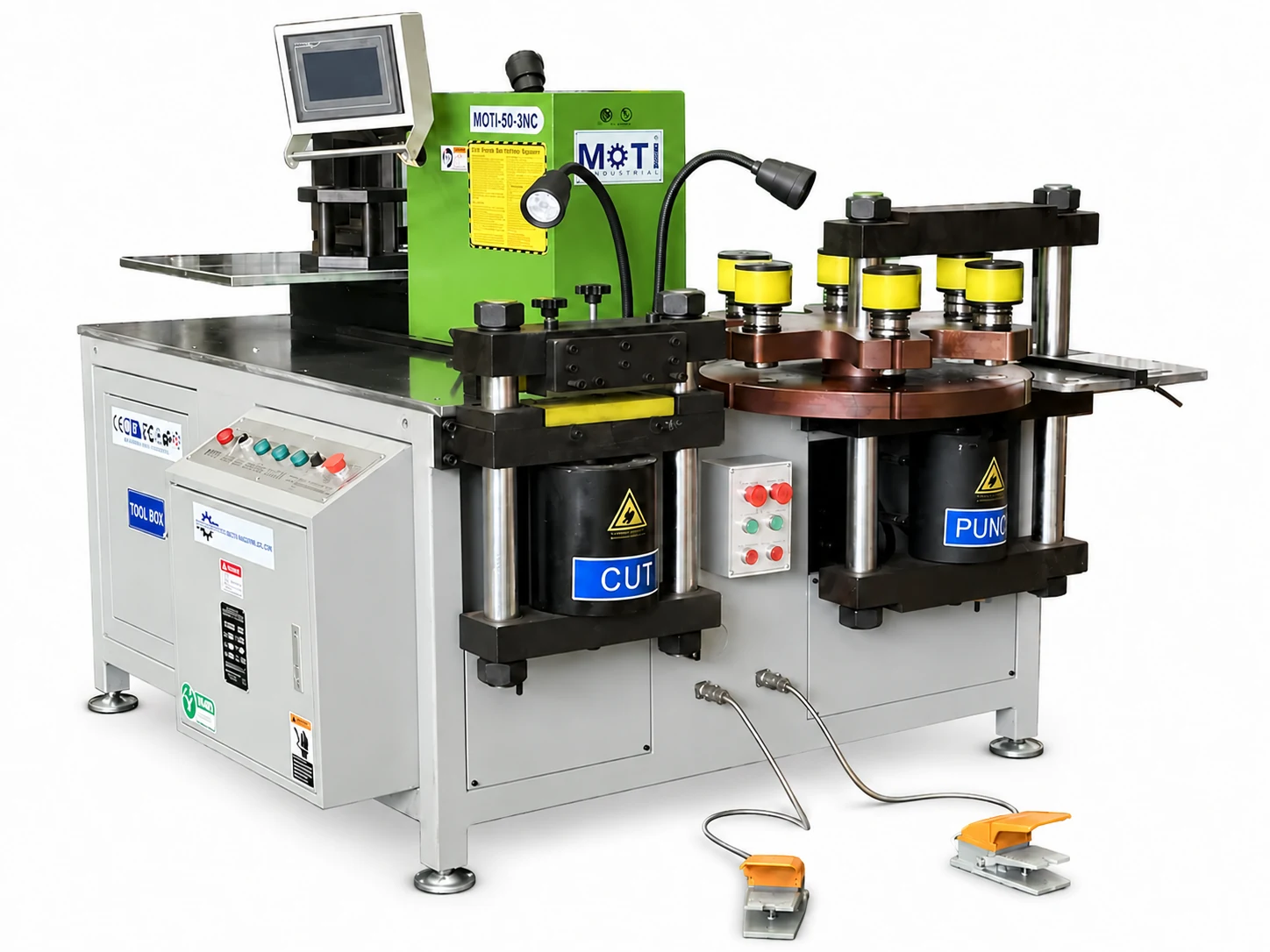
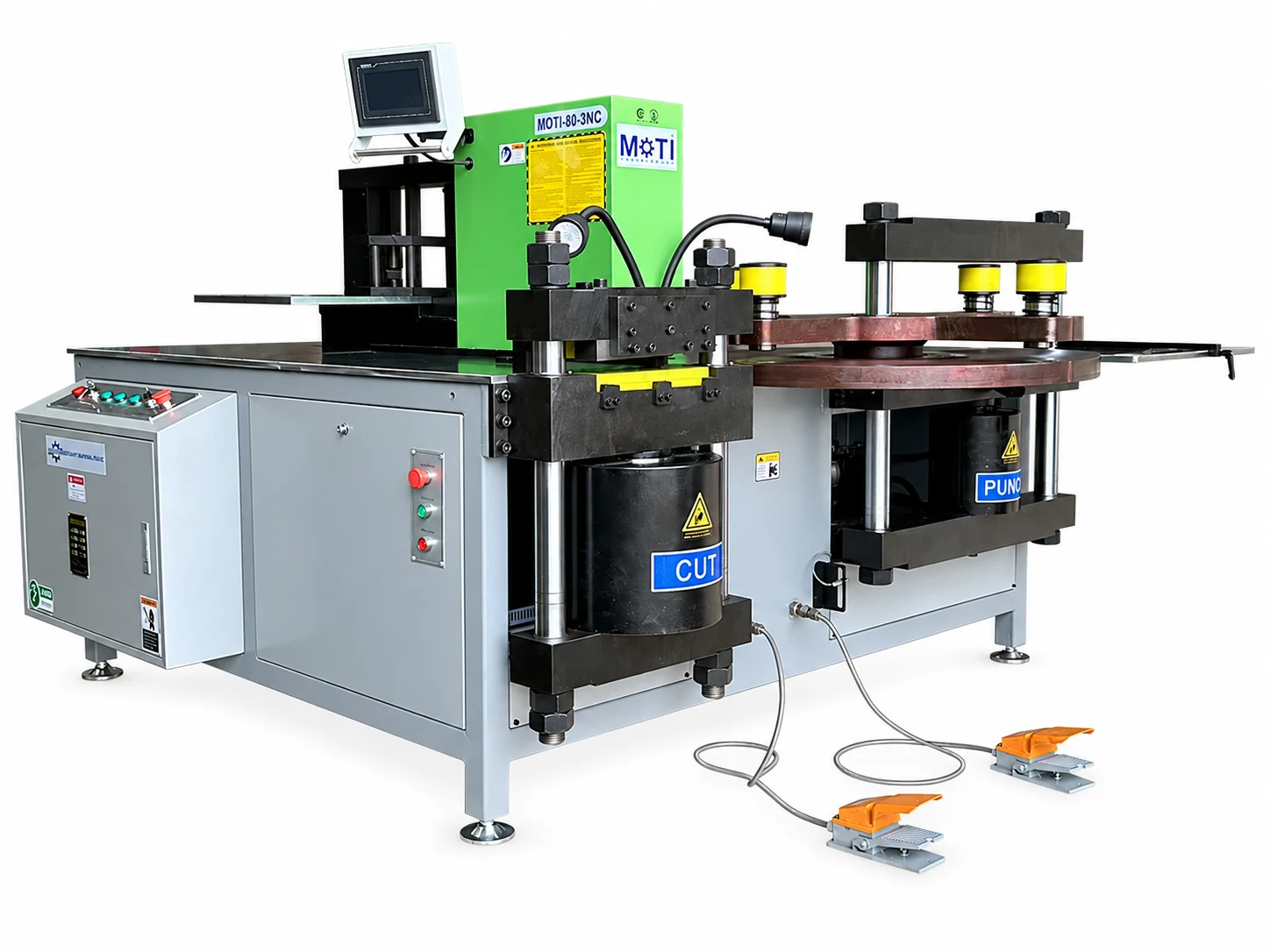
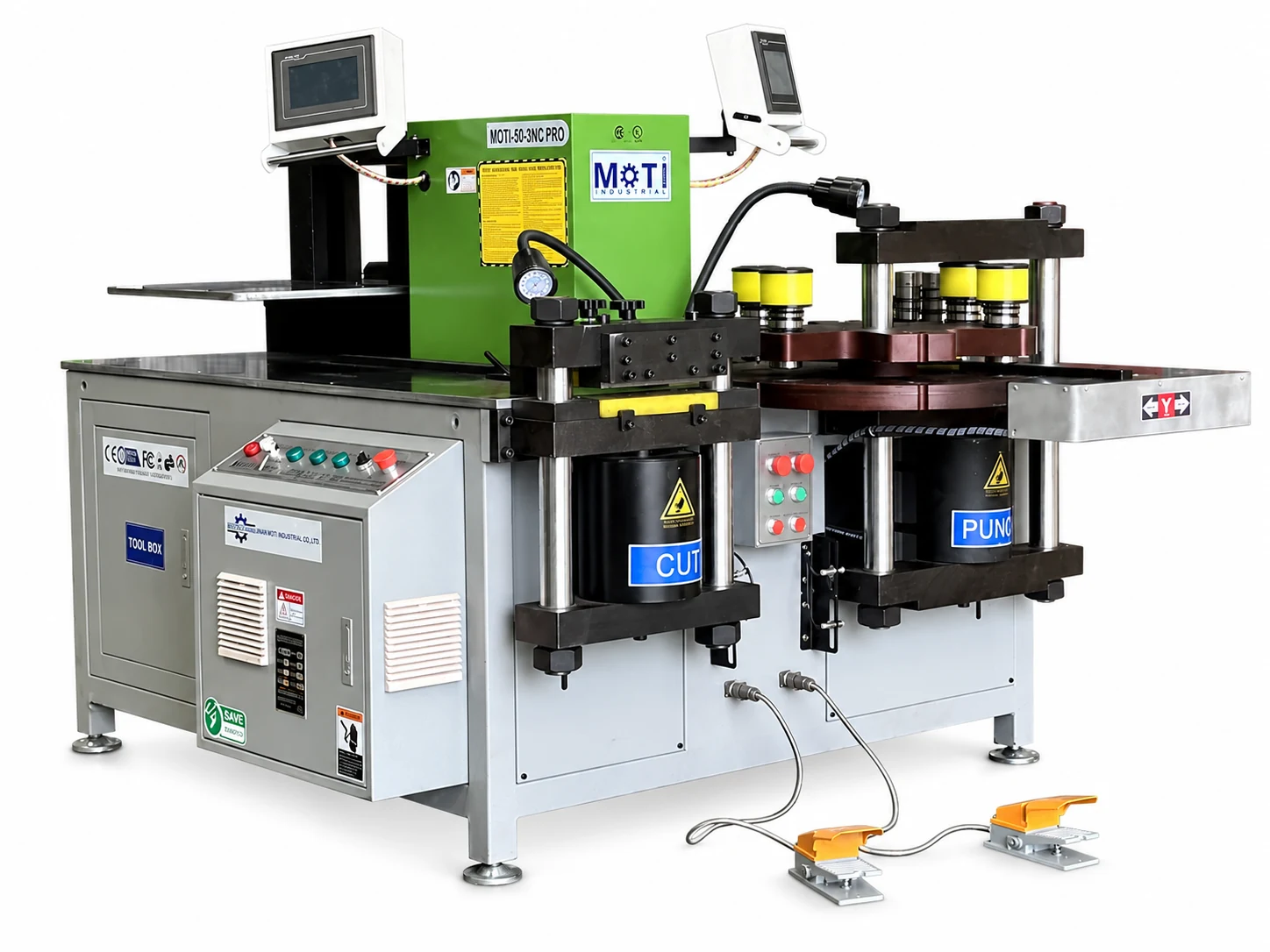
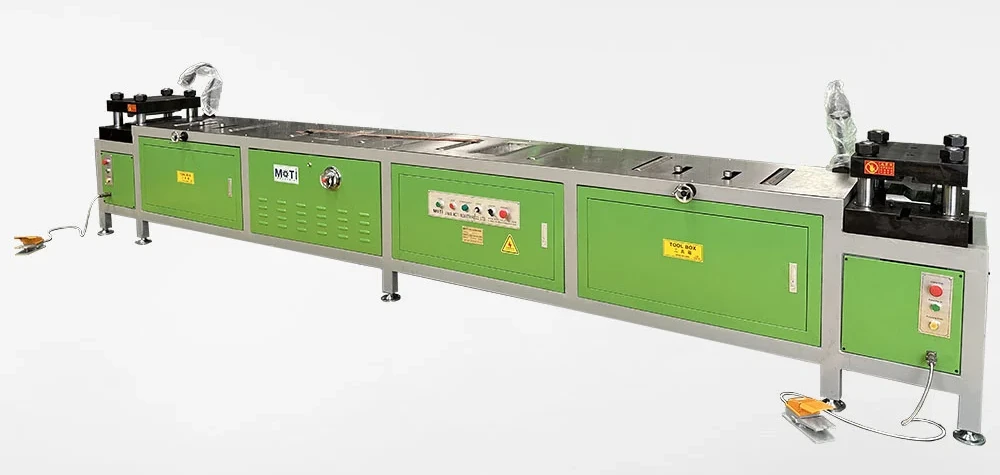
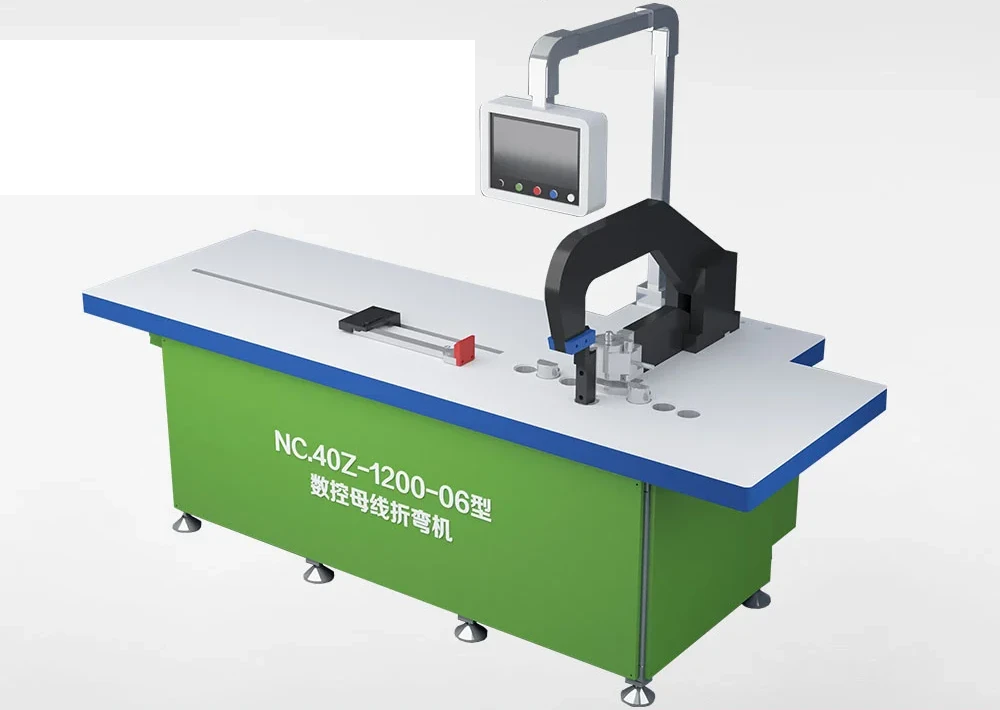
Keep the selected model, operation limits, die list, electrical supply and control language in one agreed specification. Identify optional tools separately. Confirm the operation-manual language, software license where relevant, training format and installation scope in the quotation. The order also defines the delivery schedule, warranty coverage and spare-part terms.
Review the machine and a representative part
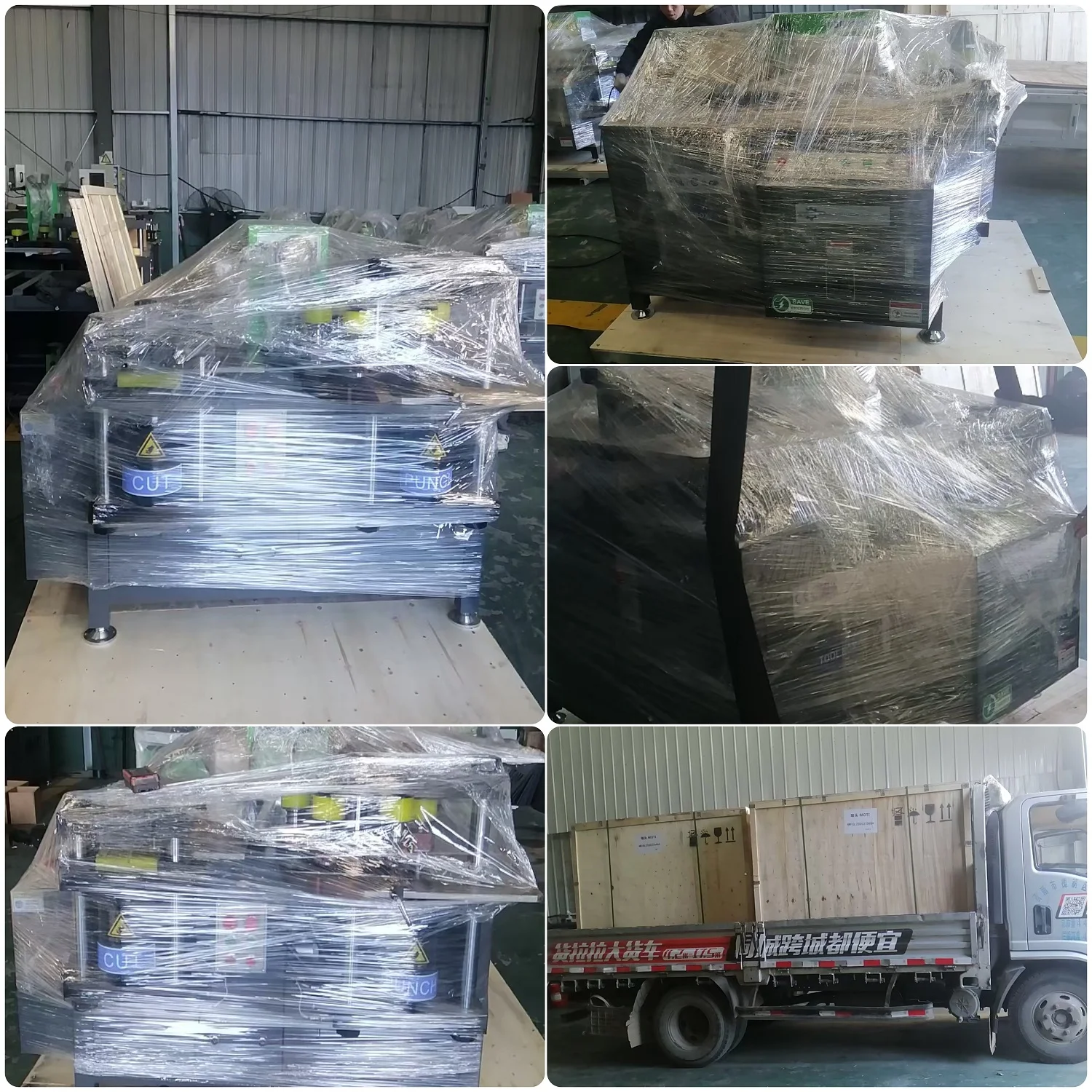
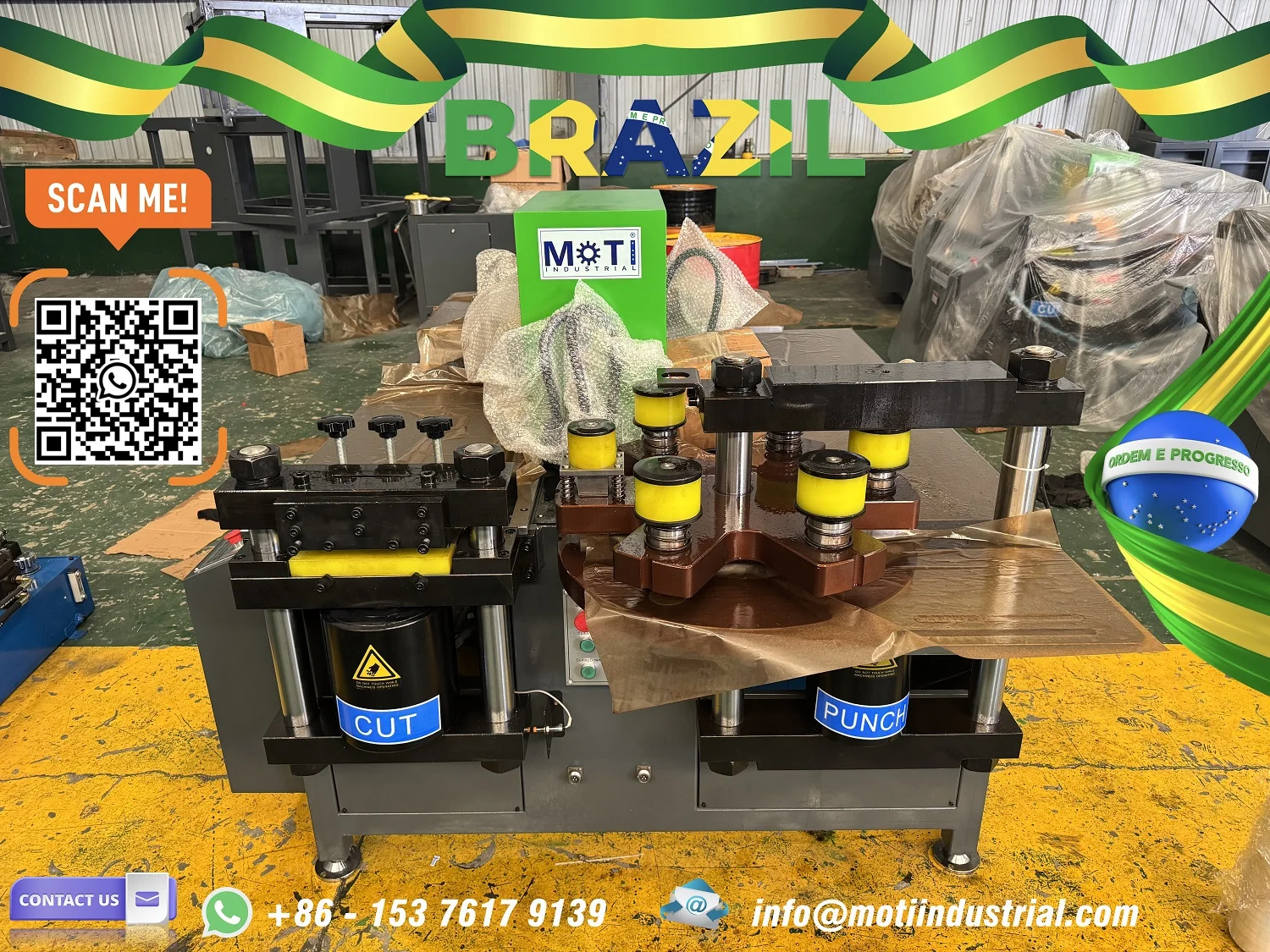
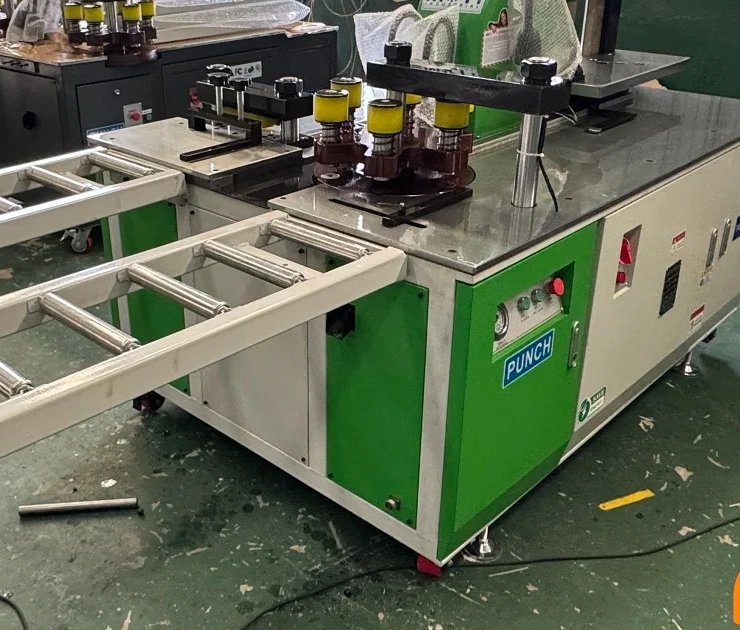
The HEMACK and MAX delivery reports describe machine photographs and video before dispatch. Use this stage to review the installed configuration against the tool list. If a sample is agreed, include the drawing revision and measured inspection points alongside the images, so the review addresses function as well as appearance.
Prepare packing and unloading information
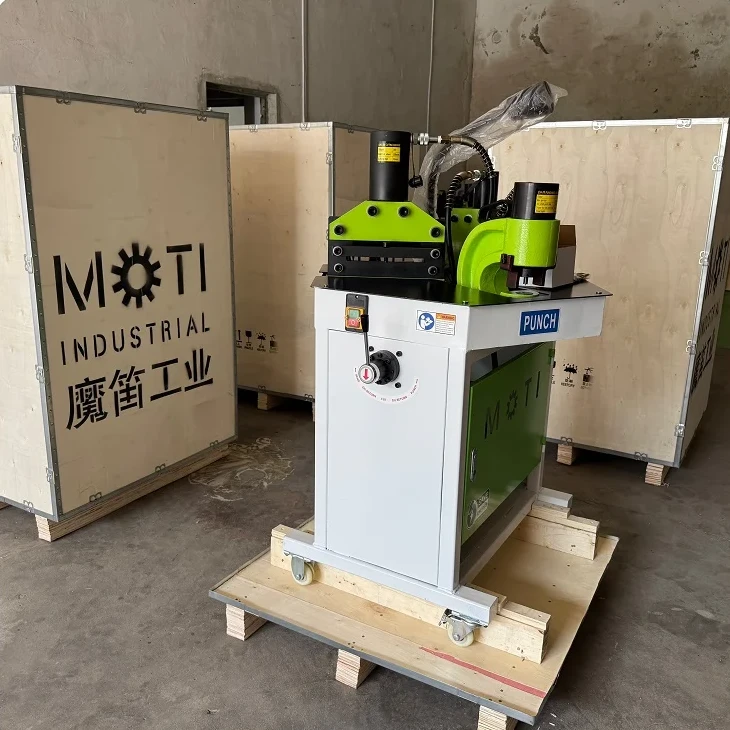
The HEMACK shipment describes reinforcement and anti-rust preparation. For your order, obtain the final package dimensions, gross weight and lifting information. These figures can differ from bare-machine dimensions and net weight. Plan the unloading route before the equipment reaches the workshop.
Prepare the workshop
Confirm voltage, phase and frequency for the delivered version, and provide space for stock, finished parts and material support. Confirm the operation manual and language for your machine. Prepare a representative first job for the setup discussion, then check the finished part before repeating production.
Make a support request easy to diagnose
Send the model, serial number, control version where relevant and a clear description of the symptom. Include the displayed error, when it occurs and photographs of the affected tool or part. For accuracy questions, add the material size, drawing, setting and measured result. This gives technical support a concrete basis for the next step.
After-sales support for your machine
After-sales support WhatsApp: +86 176 8689 2387. Contact us by WhatsApp or email for model-specific operation, calibration and technical guidance. Include the machine identification, tooling and problem details.
Our TRISKEL visit covered maintenance and upgrade discussions for an operating 80-3NC. If your location needs on-site commissioning or service, discuss the scope, schedule and costs for the order. Remote assistance, training and replacement parts follow the agreed service arrangements.
Have a similar part?
Send your drawing, material size and production requirements. Include the holes and bends you need to make.